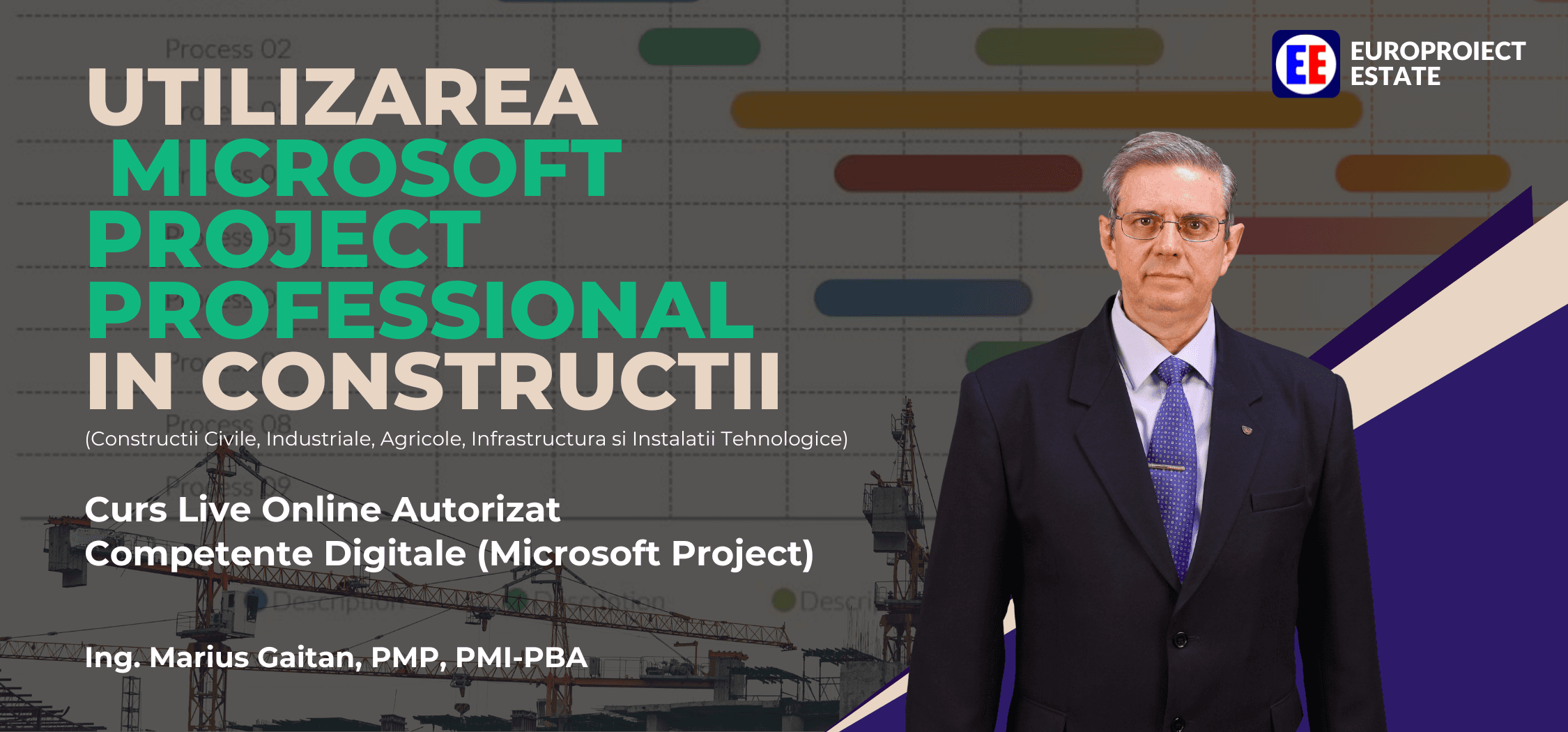
Using Microsoft Project in Construction
Period
17 - 18 October 2026
Schedule
10:00 - 19:00
Format
Online Live
VAT exempt

Why Microsoft Project has become a mandatory competence in construction
In construction, a schedule is no longer just a representation of dates. It is the temporal and operational model of the project. Hundreds or thousands of activities, dependencies, resources, costs and constraints must be correlated and updated continuously. Microsoft Project turns the WBS into a calculable programme: you identify the Critical Path, assign resources, set costs and analyse the effect of changes on the finish date.
The programme must be calculable, not merely drawn
Activities are linked through FS, SS, FF and SF, Lead/Lag and constraints. A change produces effects across the entire programme; it does not remain a static bar on the Gantt.
The Critical Path must be identified and controlled
You know which activities determine the finish date and where float exists. Microsoft Project calculates the Critical Path and shows what can move the project deadline.
Resources must be integrated into the programme
Labour, plant, materials and costs are defined, assigned and analysed over time. The course treats Work, Material and Cost resources as distinct types.
Overallocations must be anticipated
Resource Usage, Resource Graph and resource levelling surface unrealistic loading before it reaches site.
Time and cost are analysed together
Scheduling, resources, rates, budgets and Cash Flow move from an aesthetic Gantt to an integrated model of execution.
Decisions are tested before they are applied
You change durations, resources, dependencies or availability and see the What-If scenarios before you take the decision in the field.
Using Microsoft Project professionally does not mean knowing how to draw a Gantt. It means building a dynamic model of the project, in which the WBS, activities, durations, dependencies, resources and costs form a single system. The real competence: turning project data into information for decision.
Trainer
Who delivers this programme

Ing. Marius Gaitan, PMP, PMI-PBA
CEO & President of Europroiect Estate
Ing. Marius Găitan, PMP, PMI-PBA is one of Romania's most respected professionals in project management and business analysis, with over 35 years in business and more than 30 years leading enterprise-level construction projects.
Certified Project Management Professional (PMP®) and Professional in Business Analysis (PMI-PBA®), Marius is internationally recognised for his expertise and direct involvement in developing and improving the global standards of the Project Management Institute (PMI® - USA).
As founder of Europroiect Estate®, Marius Găitan has transformed the organisation into a leader in consulting, training and organisational development, training hundreds of professionals and contributing to modernising project management practice in Romania and internationally.
Through his courses, participants benefit from the expertise of a professional directly involved in writing and reviewing global PMI® standards, which guarantees up-to-date, internationally validated and practically applicable content.
Credentials
Certification
At the end of the programme you receive the Europroiect Estate completion certificate for this course. Specimens below are illustrative.

Europroiect Estate certificate
Completion certificate issued by Europroiect Estate after you finish the programme and meet the course requirements. The image is a specimen for illustration only.
Platform
Europroiect Estate Labs
Participants on this course get access to the Europroiect Estate Labs platform. There you work through hands-on labs on the course scenarios, across three difficulty levels. It is not a video catalogue. It is guided practice: you finish a live session, then apply it in the lab.
- Practical labs dedicated to the course you enrolled on
- Three levels: Foundation, Practitioner, Expert
- Progress at your own pace after live sessions, on the same platform
Foundation
Foundations
You build the basics. You complete the right artefact with guidance: a clean WBS, a schedule, a register, a baseline file.
Practitioner
Project
You assemble the pieces on a project scenario. Dependencies, constraints and real data appear. This is where you see whether you can apply, not just reproduce.
Expert
Decision
A decision with incomplete data, conflict or deviation. You must analyse, choose and document.
Labs access is included for participants on this Live Online course.
What competencies you will demonstrate
By the end of the programme, you can demonstrate concrete competencies applicable on real projects.
Professional project setup
You set parameters, calendars, scheduling options, templates and the working environment in Microsoft Project.
Building the WBS of a construction project
You organise the works by phases, levels and activities and use the fields required to structure the programme.
Developing the execution programme
You define activities, durations, milestones, constraints and deadlines for a realistic programme.
Logic of execution and the Critical Path
You use FS, SS, FF and SF dependencies, Lead/Lag, and identify the activities that determine project duration.
Resource planning
You define Work, Material and Cost resources, calendars, availability and cost rates.
Resource assignment and control
You assign resources, analyse loading, identify overallocations and use Task Usage, Resource Usage and Resource Graph.
Who this programme is for
The programme is for professionals who must turn project information into a structured, calculable and controllable execution programme. It is not merely a course of buttons, but of planning, CPM, resources, costs, optimisation and reporting.
A good fit if…
- ·Project managers who develop, analyse and control construction project programmes
- ·Civil engineers and site managers who plan the sequence of works, durations, dependencies and resources
- ·Planners / Planning Engineers who develop and update execution programmes and analyse the Critical Path
- ·Project Control Managers and Project Control Engineers who track time, resources, costs and performance as an integrated whole
- ·Cost and resource leads who correlate activities with labour, plant, materials, rates and budgets
- ·Contract managers and contract administration specialists, for whom the programme tracks contractual dates
- ·Contractors and subcontractors who plan their works, resources and activity sequence
- ·Consultants, site inspectors and members of management teams who critically analyse a programme received from the contractor
- ·Professionals who manage several projects at once, including shared resources
- ·Construction specialists who want to move from an elementary Gantt to professional planning (WBS, network, CPM, resources, costs)
In essence, the programme is for the professional who does not want merely to produce a chart, but to build a real model of the project: you plan, analyse, optimise and control execution.
The practical path of the 4 sessions
At the end you do not merely know Microsoft Project. You complete a full process: you build the structure, develop the programme, optimise resources and costs, then use the information for control and reporting.
- 1
You build
Setup · Calendars · WBS · Gantt
- 2
You plan
Activities · Durations · Dependencies · CPM
- 3
You optimise
Resources · Assignments · Costs · Levelling
- 4
You control
Multiproject · Cash Flow · Reports · Kanban
Session-by-session programme
Each session has clear objectives: what you learn and what you apply.
Build the working foundation: application and project configuration, calendars, views, tables, customisation and turning the structure into a usable WBS.
What you learn
- Configuring the Microsoft Project environment: general options, Schedule, Display, Save, Advanced
- Project parameters: start date, initial information, manual or automatic scheduling
- Project and resource calendars, working time, non-working days and exceptions
- Templates and Global Template: create, modify, reuse
- Customisation: Views, Tables, Fields, Filters, Groups, Gantt Bars, Timescale, Split Views
- Building the WBS: phases, levels, Tasks and the logical organisation of the works
What you apply
- You configure a new construction project and the initial scheduling parameters
- You build the project calendar, with working hours and exceptions
- You build the WBS and organise activities by phases and levels
- You customise a professional Gantt View, with tables, fields and filters
Course calendar
Scheduled Live Online sessions. Download the calendar to Outlook, Google Calendar or Apple Calendar.
- 17OctC117 October 2026
Microsoft Project setup and project structure
10:00 - 14:00C217 October 2026Planning and scheduling construction works
15:00 - 19:00 - 18OctC318 October 2026
Resource, cost management and project optimisation
10:00 - 14:00C418 October 2026Control, reporting and advanced project management
15:00 - 19:00
What you receive on the programme
In addition to the 4 live sessions, you work with practice materials on Europroiect Estate Labs: Microsoft Project files, templates and an electronic handbook.
Hands-On Laboratories
.mpt files for the practical sessions, so you apply in Microsoft Project everything you see live.
Microsoft Project in Construction handbook
Electronic handbook, in Romanian, covering configuration, scheduling, resources, costs and reporting.
Templates and customised ribbons
Template documents for construction projects and customised ribbons in Microsoft Project.
Master PMP template
Template for the Project Management Plan, to use after the course on live projects.
Enrol on the October 2026 cohort
Four live sessions over two days, a clear calendar and practice on Europroiect Estate Labs. Choose your payment method and reserve your place.
17 - 18 October 2026 · 10:00 - 19:00 · 3.000 lei